


Trading Terminal
Finestel gives you a true multi-exchange multi-client trading terminal built for scale, trade, track, and control unlimited accounts from one dashboard, complete with advanced charting, bulk execution, and automation-ready workflows.Whether you're running personal strategies or managing client portfolios, Finestel replaces tab chaos with real infrastructure.
+8
Exchanges Supported
∞
Accounts per Terminal
1
Dashboard for Everything
See Finestel's Trading Terminal in Action
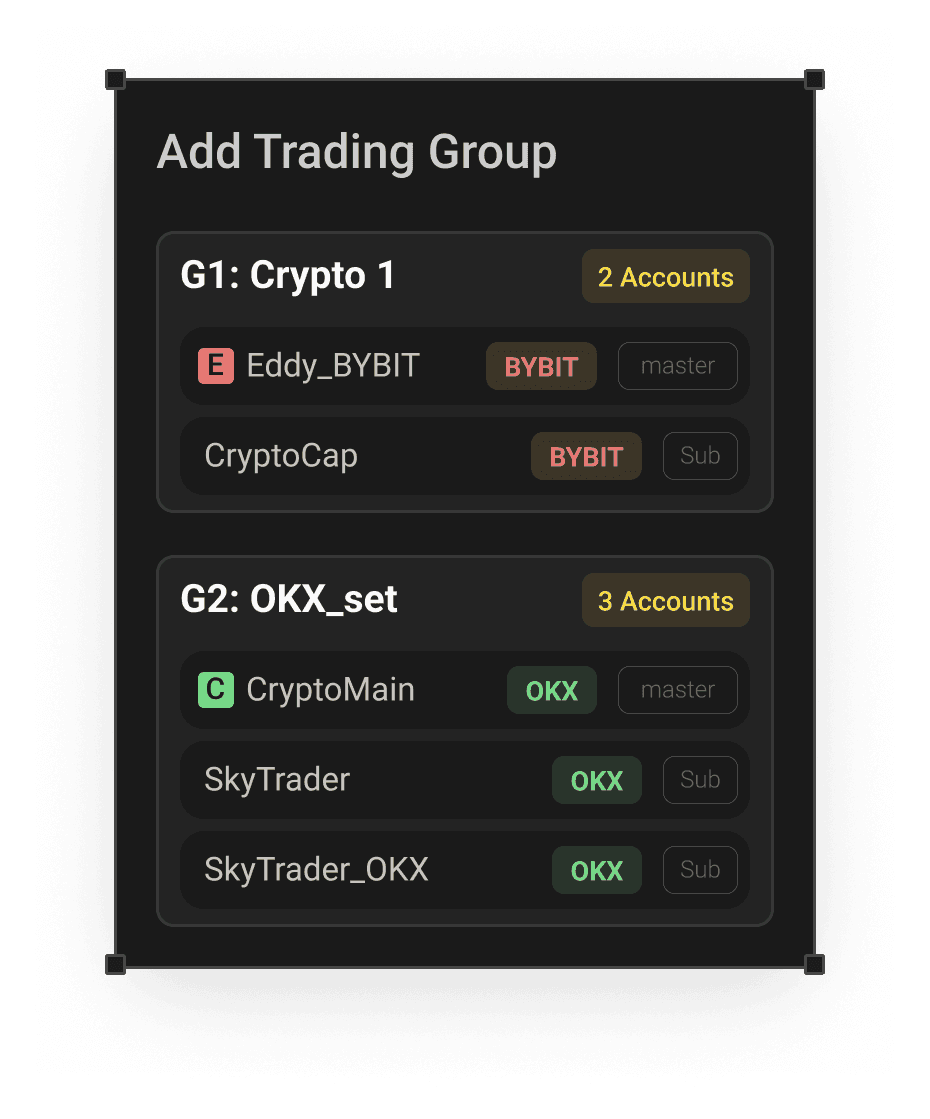
Explore Finestel's Advanced Trading Terminal in action. Watch how effortlessly you can add your exchange accounts, create organized trading groups, and execute bulk orders across multiple accounts with speed and precision.
Features: The Tools that Matter
Every feature in Finestel earns its place. No bloat, no buried settings, just a clean execution environment where analysis, order placement, and account management share the same screen.
Multi-Account & Client Management, Bulk Order Execution
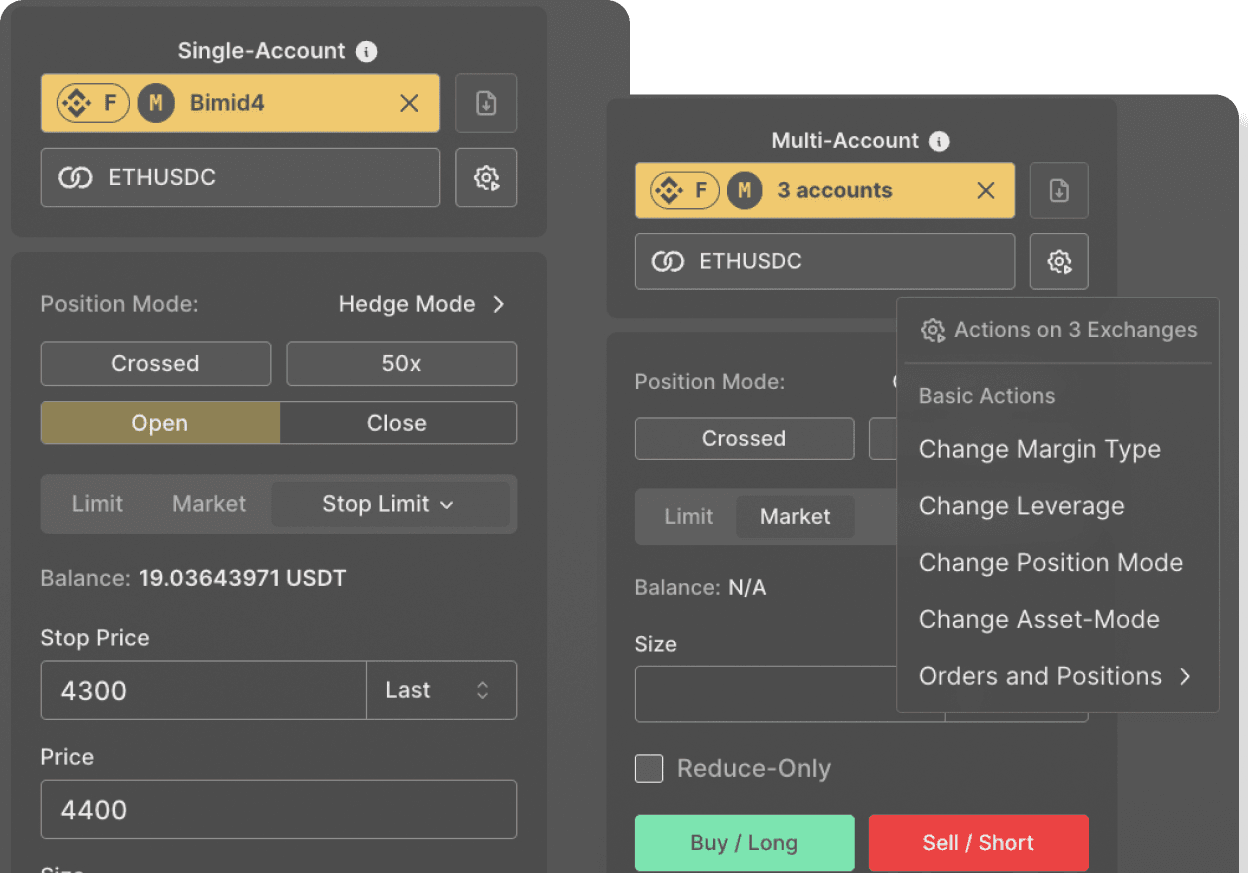
Multi-account execution is a core design principle in Finestel; not a bolt-on feature. Select accounts, execute once, and the terminal handles the rest. Finestel supports both multi-order execution and multi-action execution. Place a single trade across ten accounts simultaneously, each sized proportionally to its own balance, or apply a settings change across your entire portfolio in one confirmation. The manual repetition is gone.
What Can Be Done in Bulk
Select accounts, apply the action, no scripts needed. Every operation below fires simultaneously across all selected accounts or the active trading group.
Margin Type

Isolated

Cross
Position Mode

Hedge

One-Way
Asset / Collateral Mode

Single asset

Multi asset
Multi asset allows cross-collateral across all spot holdings.
Leverage
Cancels all open orders and closes all positions at market price immediately. This action is irreversible.
Every action above fires simultaneously across all selected accounts or the selected trading group. Bulk order execution follows the same logic; one order, placed proportionally or absolutely across all accounts at once.
Watch it in Action →Two Ways to Trade on Multiple Accounts
Before placing an order or applying a bulk action, you define which accounts it applies to. Finestel gives you two methods depending on how your workflow is structured.
Manual Selection
Open the account selector before executing, check the accounts you want included, and proceed. Direct and explicit, best for ad-hoc decisions where the scope of the action changes trade by trade.
Trading Groups
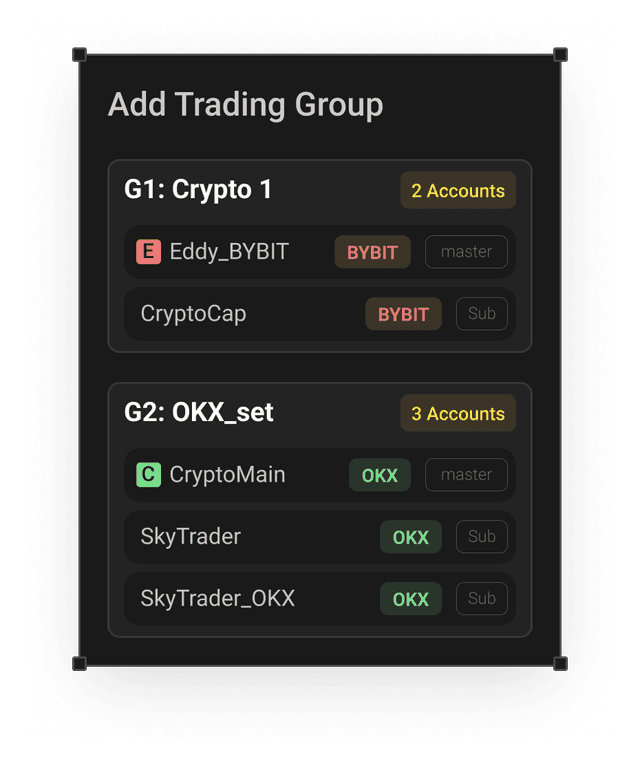
Pre-organize accounts into named groups by client, strategy, exchange, or risk tier, and execute against the entire group in a single selection. Switch between groups instantly from the terminal. Groups are editable at any time; add, remove, or restructure without disrupting anything.
How to Create a Trading Group
Two paths: one for hands-on setup, one for scale.
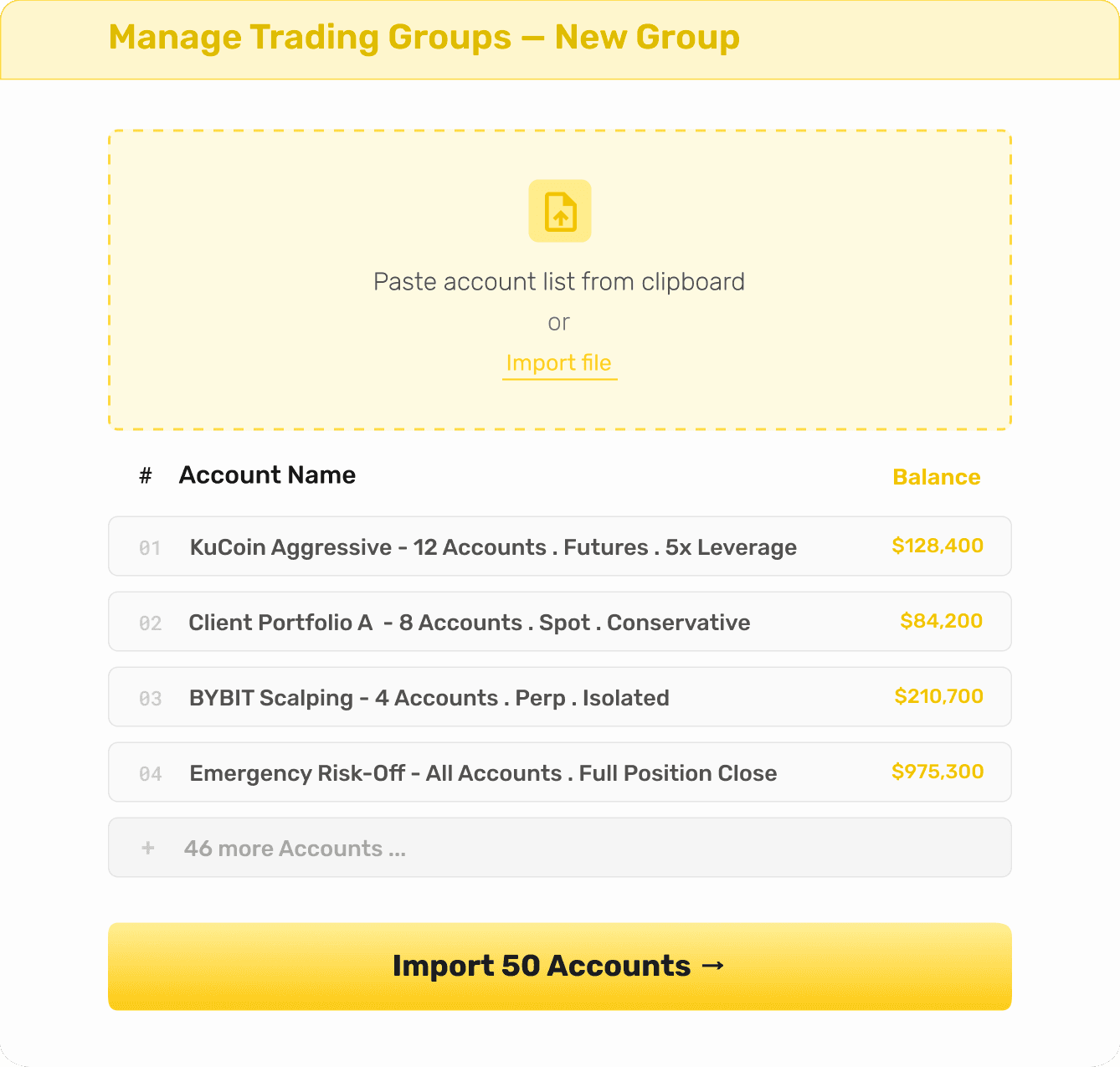
01
Select from the Interface
Go to Manage Trading Groups, create a new group, and check accounts from your activated list. Name it, save it. Straightforward for smaller setups or when you're building groups incrementally.
02
Import from Spreadsheet or Clipboard
Choose your exchange, then paste your account list from the clipboard or upload a CSV. The terminal maps the list instantly, purpose-built for operations running 50+ accounts where manual selection isn't practical.
Groups can be edited at any time, add accounts, remove them, and reorganize. Combine groups with bulk tools, and you have surgical control over even the most complex portfolio structure.
White Label Solution: Make it Yours!
If you manage multiple clients’ trading accounts, white-label solution is built for you. Launch an entire automated trading platform with your domain, logo, branding, and theme.
Pro Trading Configurations & Order Types
All the order types, configurations, and execution options you need. All in one professional trading terminal.
Basic Order Types
Market, Limit.
Conditional Orders
Stop-Limit, Stop-Market.
Trading Configurations
Margin Mode, Position Mode, Asset Mode, Leverage.
Execution Instructions
Post Only, Reduce Only.
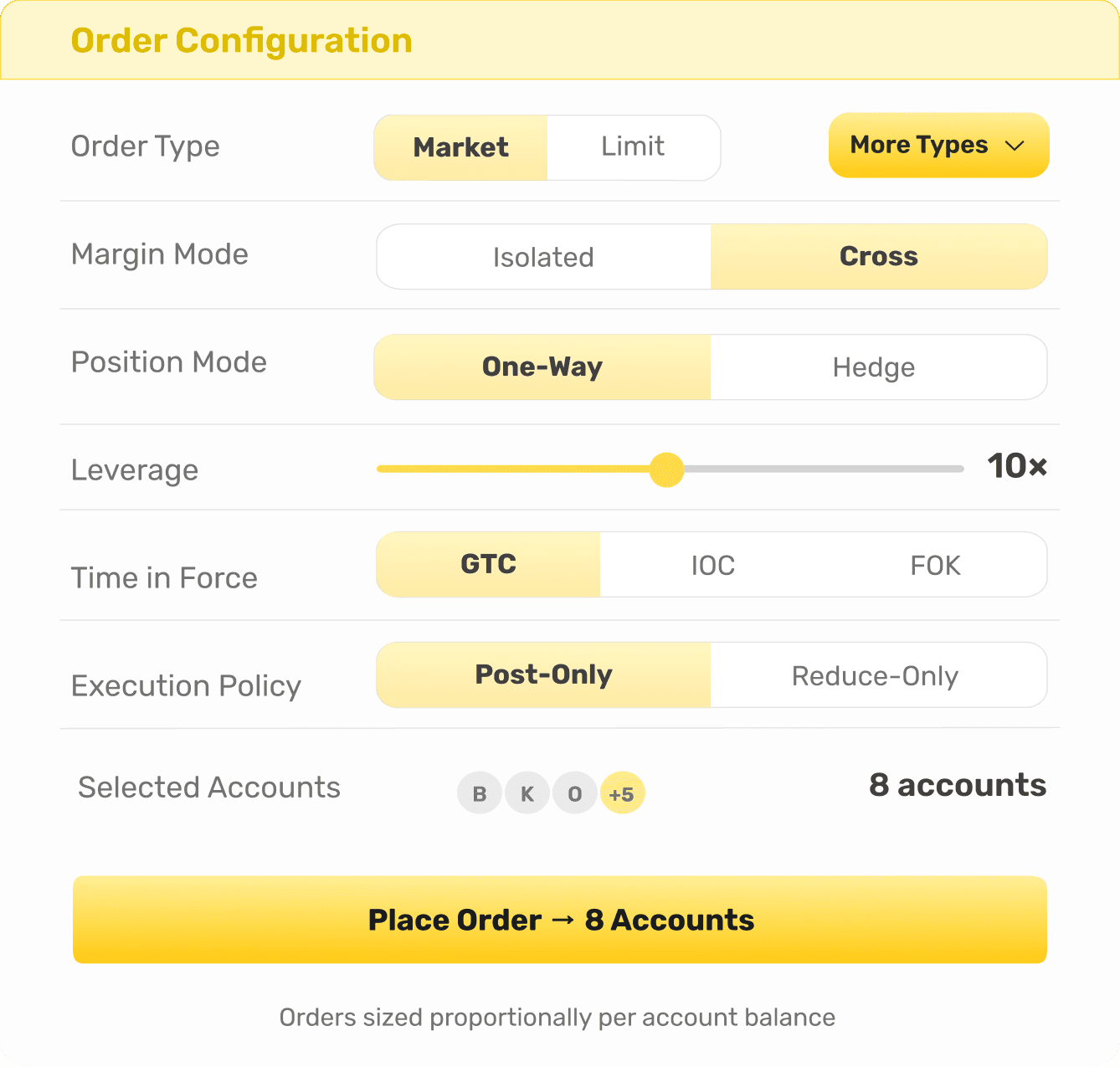
Those cover a single fill. When you need the system to place and manage many orders as one position; averaging, gridding, timing, or scaling; that's an execution strategy.
Advanced Order ExecutionAdvanced Order Execution
Every order on every bot can run as more than a single fill. Choose how it gets executed; each option below builds and manages the position for you as it fills.
DCA
Enters with a base order, then adds averaging orders as price moves against you. Take-profit recalculates from your new average entry on every fill.
TWAP
Splits a large order into equal parts, executed at fixed intervals. Reduces market impact and smooths your average entry price.
Grid
Places buy and sell orders at set intervals across a price range, profiting from price oscillation without a directional call.
Scale
Splits entry or exit across a price range instead of one price point, improving your average fill on larger positions.
Partnerships & Integrations











How to Get Started: From First Login to Live Trade
The setup is lean. No technical background required, no configuration rabbit holes. Four steps from a blank account to executing trades across multiple exchanges.
Add Exchange Account(s) to Finestel
Create your Finestel account, go to My Exchanges and connect your exchange account(s) via API keys.
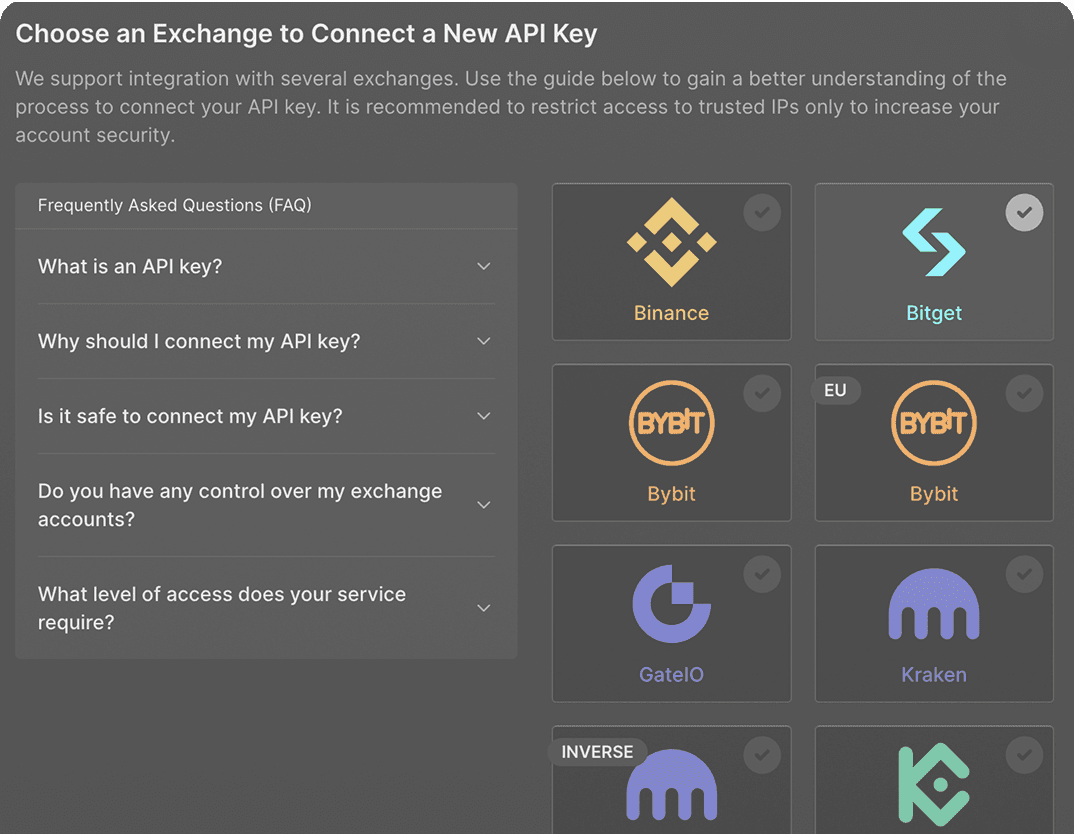
Enable 2FA
Two-factor authentication is enforced on every Finestel account. Enter the code from Google Authenticator. Every login from this point requires your password plus a rotating six-digit code.
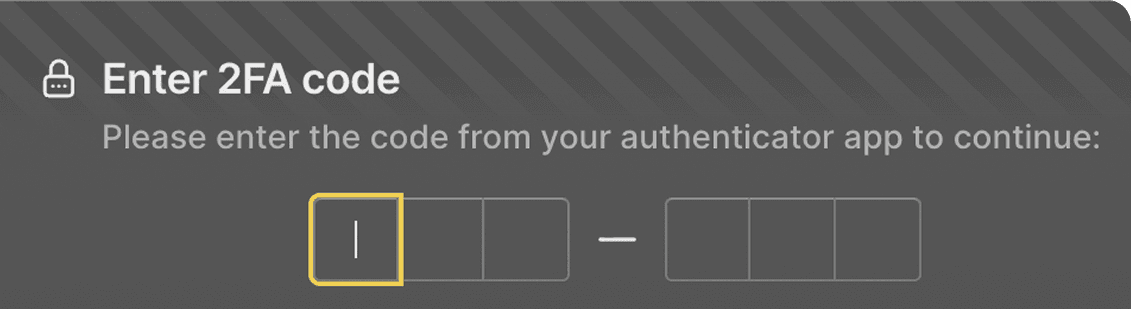
Trade: Single or Multi-Account
Pull up any symbol, set leverage and margin type, choose your order type, size the position, and execute.
Frequently Asked Questions
Get answers to commonly asked questions about our products, services, and policies.