

If you’ve spent any time looking for a forex CRM, you already know how crowded the market is. Most options are either built for generic sales teams with no understanding of brokerage operations or are enterprise-grade systems with price tags that make no sense if you’re running a small or mid-size operation. But there are exceptions, and we’ll be discussing one in this UpTrader review.
In the spectrum I drew above, UpTrader sits in an interesting middle ground. It’s a forex CRM solution that’s been in the market for over 10 years, and it’s specifically designed for brokers. To write this post, I went through all four of their product, and will try to give you a full picture of what you’re actually getting, at what cost, and what alternatives you can choose if you don’t like what you read.
What Is UpTrader?
We shall begin our UpTrader review with a brief introduction of the company. It is a Dubai-based fintech company. They’ve been building software for forex brokers since 2010, so they’re not new in town. For the first eight years, they focused on custom development, which means building tailored solutions for individual brokerages. But in 2018, they shifted to a SaaS model, which is when their product suite started to take its current shape.
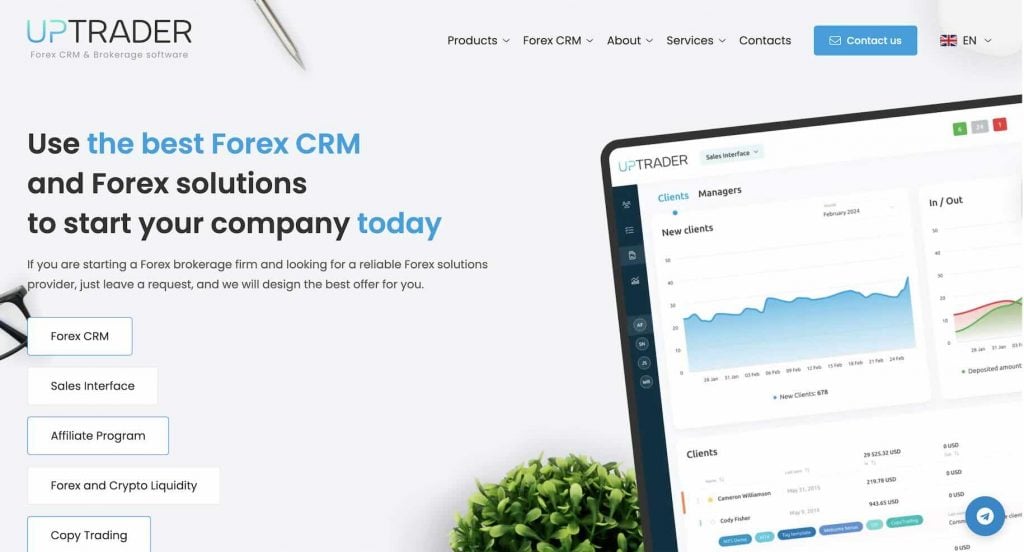
The core problem they’re trying to solve is that launching and running a brokerage has historically required stitching together multiple vendors. I mean, you’ll need one for your CRM, another for copy trading, another for compliance tooling, and so on. And obviously, this gets expensive and messy.
UpTrader’s answer to that, however, is a single cloud forex CRM ecosystem. They make it possible for your back office, trader’s room, investment platform, prop trading infrastructure, and price feed to all live under one roof.
The centerpiece is their UpTrader Forex CRM. But the platform has expanded well beyond that over the years. Today, it’s a team of tens of people maintaining four distinct products, which we’ll go through one by one.
UpTrader CRM Explained
The UpTrader CRM product is where most brokers will spend the majority of their time. And, honestly, it’s the product that carries the whole platform’s reputation. That’s why it’s the first and most important product we discuss in this UpTrader review. There are three main layers, each serving a different part of your operation.
Back Office and Admin Panel
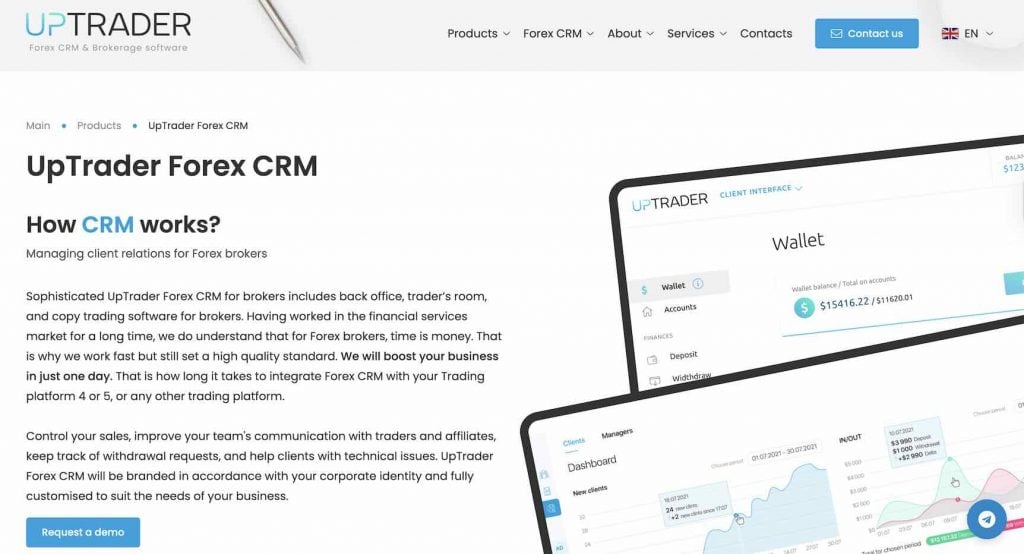
The admin panel is essentially the control room for your entire broker. From here, you can configure trading platform integrations, payment system connections, KYC workflows, department-level access rules, and even email communications.
The back office side, on the other hand, is for your finance and compliance teams. They get a dedicated interface to monitor client activity, track deposits, and even handle UpTrader withdrawal requests, and manage KYC approvals. And the catch is that they can do all of these without needing to touch the admin configuration layer.
Trader’s Room
The Trader’s Room is the client-facing part of the UpTrader CRM. In simple words, it’s what your traders actually log into. This section includes multi-currency wallets, trading history, real-time market news, an economic calendar, and analytics tools.
One thing I found worth noting is that clients can jump directly into the trading terminal from the trader’s room without re-authenticating. It might be a small detail, but it removes friction in the day-to-day experience.
Sales Module & Affiliate Program
This is where UpTrader makes a fairly bold claim. They say their sales funnel is the only fully-functional one available in a forex CRM product. I can’t independently verify that, but the feature set is genuinely more developed than what I’ve seen from most competitors.
The sales module lets you distribute clients to managers based on geography or deposit size. You can also set granular manager permissions and track sales department performance through detailed dashboards. The UpTrader affiliate program sits alongside this, which is a multi-level IB structure with detailed partnership reporting and flexible commission logic that can handle pretty much any custom arrangement you need.
UpTrader Invest
UpTrader Invest is their white-label social and copy trading software. So, if you want your broker to offer investment services to your clients, this is the product you should be evaluating most closely.
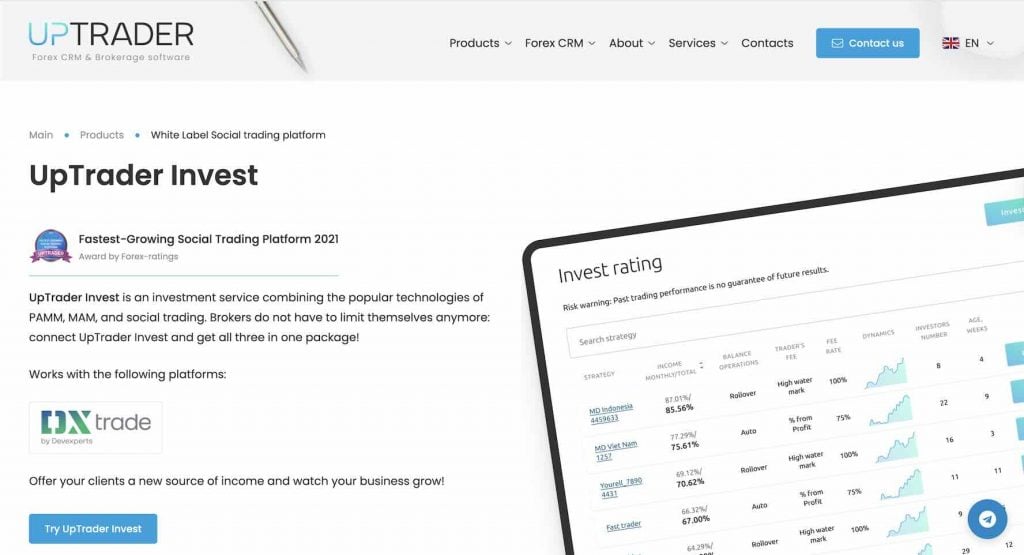
It runs in three modes, and you can enable all three simultaneously or pick whichever fits your business model. Here’s a brief introduction to each one:
- MAM (Multi-Account Manager): The manager trades from a single master account, and lots get distributed across investor sub-accounts proportionally.
- PAMM (Percentage Allocation Management Module): The profits and losses are distributed based on each investor’s equity share in the master account. The investor doesn’t control anything and just allocates funds and tracks performance.
- Social/Copy Trading: The trader operates their own personal account normally, and their trades get replicated to followers in real time. This is quite similar to what we offer with Finestel’s copy trading software.
Now, there’s an important note, and it’s the fact that this module only works on the DXTrade platform currently, as clearly stated on their website. The bad news is that I couldn’t find any reasons or more details about MT4/MT5 connections when doing research to write this UpTrader review.
Prop Trading Solution
Another worthy solution to dive deeper into in this UpTrader review is the Prop Trading support they added to their CRM in 2024. Interestingly, it comes at no extra charge and is available across all three plan tiers.
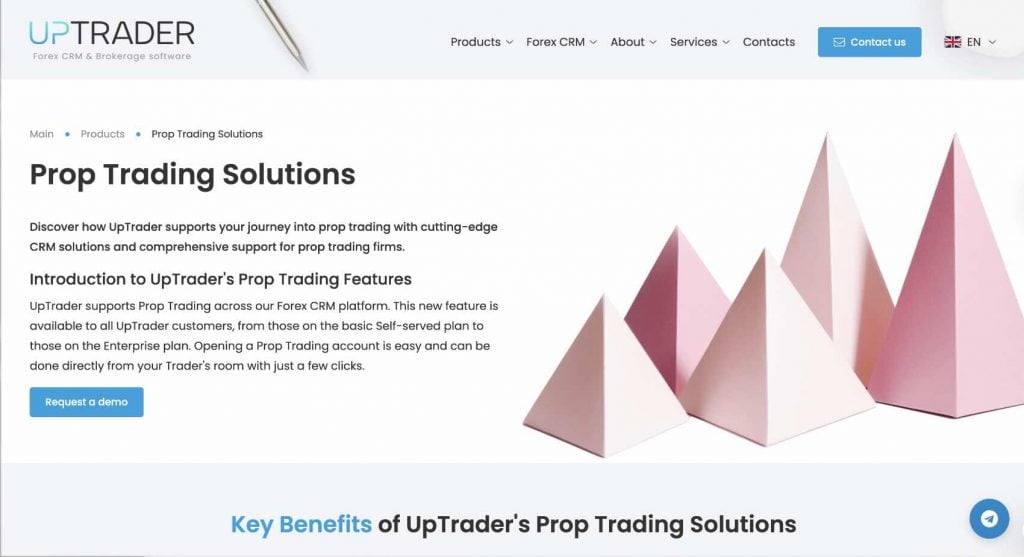
The setup is handled directly from the Trader’s Room. You can create challenge accounts where clients pay an entry fee to participate, configure your own evaluation criteria, and automate payout logic when traders pass (basically, the basic things a prop trading firm does these days).
On the trading platform side, prop accounts are supported through DXtrade. Once again, there’s no MetaTrader4/5 support here.
Now, to be honest, it’s a decent add-on to the CRM ecosystem, but not a dedicated standalone prop trading platform built from the ground up for that specific purpose. So if you’re an existing UpTrader broker who wants to also add a revenue stream from the prop trading model, this actually makes a lot of sense (especially with no extra cost).
However, if you’re building a dedicated prop firm and want a specialist tool with deeper challenge management and trader evaluation features to actually be able to rival the likes of FTMO and FundedNext, you’ll probably want to evaluate other platforms that were built specifically for that from day one.
Price Feed
The UpTrader Price Feed is the simplest product in the lineup. But it fills a real gap for a specific type of broker. If you’re launching a B-Book brokerage or a prop trading evaluation platform, you don’t necessarily have external liquidity connections set up yet. Yet, your clients still need to see live charts and real-time bid/ask quotes. The UpTrader Price Feed handles exactly that.
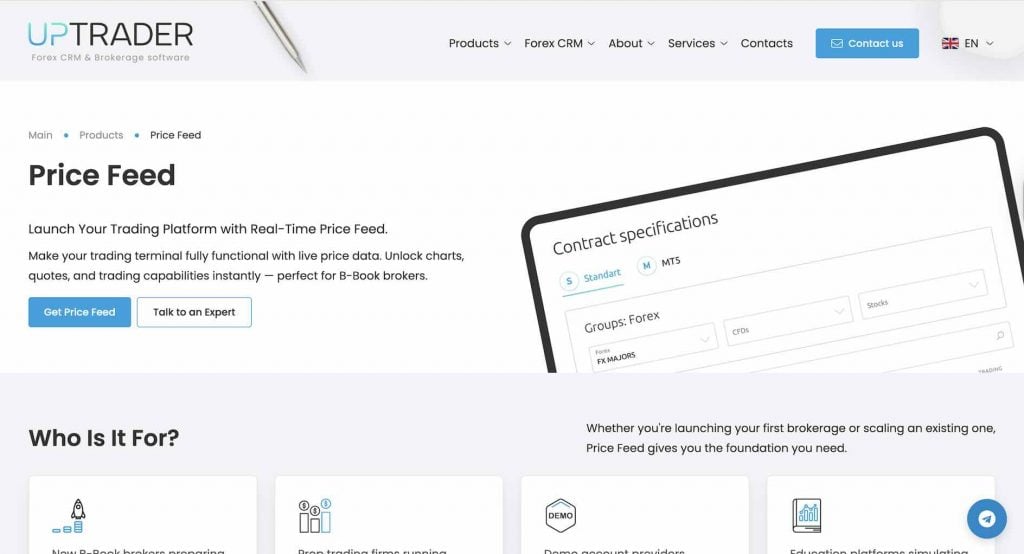
It’s not a liquidity provider (I mean, it doesn’t route orders to external markets). In reality, it’s purely a data feed that simulates real market conditions inside your platform.
There’s also use for it beyond pure B-Book setups. Demo account providers, prop firms running internal challenges, and education platforms can all use it to give their traders a live-feel environment without actual execution.
UpTrader Pricing Tiers
Moving on to the most important part of this UpTrader review, we’ll be discussing the pricing. However, this might disappoint you, as the UpTrader’s pricings are not publicly listed. You should request a quote, which means you’ll need to get on a call with their sales team before you know what you’re actually paying. This is something I don’t personally appreciate, and I’m sure that’s also the case for most of you.
Yet, what they do publish is the feature breakdown across three tiers:
| Feature | Self-Service | Business | Enterprise |
| Bonus Module | add-on | Included | Included |
| Statuses Module | add-on | Included | Included |
| Advanced IB Features | Not Available | Included | Included |
| Full White Label | Not Available | Not Available | Included |
| Custom Development | Not Available | Not Available | Included |
| MAMM / PAMM | Not Available | add-on | add-on |
| Sales Team Module | Not Available | add-on | add-on |
| Prop Firm Module | Not Available | add-on | add-on |
There are a few other things worth noting here. The Self-Service plan is pretty stripped down, as it has no sales module, no PAMM, no prop firm module, and no advanced IB features. So, it’s essentially the CRM core, which is fine if you’re just starting out and don’t need those layers yet.
The Business plan unlocks more, but the heavier modules (MAMM/PAMM, Sales Team, Prop Firm) are still add-ons with separate pricing. Finally, the full White Label and Custom Development are Enterprise-only.
This lack of transparent pricing is honestly one of the more frustrating parts of evaluating UpTrader, which was a real source of disappointment for me personally when I was doing my research to write this UpTrader review.
The Pros and Cons of UpTrader
In this section, I’ll summarize what I liked and what I didn’t when analyzing the platform to write this UpTrader review. Here’s an overview of the pros:
- Integrated stack: The CRM, copy trading, prop trading, and price feed all from one vendor, which means everything connects without third-party workarounds
- Prop trading at no extra cost: This is genuinely rare. Most competitors charge separately for this.
- Unique sales funnel: UpTrader offers the only fully-functional sales funnel in a forex CRM (by their own claim), and I haven’t seen a forex competitor contradict that.

And the cons:
- Opaque pricing: As I mentioned earlier in this UpTrader review, there is no transparent pricing for any tier, and everything is hidden behind a sales call.
- Young prop module: The prop trading model was launched in 2024, so it’s obviously less battle-tested than the CRM core.
- No public Trustpilot profile: Unlike most competitors, there’s no public review page for UpTrader on Trustpilot, which can be a deal breaker for many potential customers.
It is also worthy to mention that the UpTrader LinkedIn profile is the best place to catch up with what they’ve been working on and the latest updates, and also to evaluate customer sentiment.
UpTrader Alternatives
UpTrader is a solid option for brokers, but it’s not the right fit for everyone. If you need something purpose-built for a specific use case, or if you’re a trader rather than a broker operator, here are the closest alternatives worth considering.
| Platform | Best For | Copy Trading | Prop Trading | White Label |
| UpTrader | Brokers building full infrastructure | Yes | Yes (CRM add-on) | Yes (Enterprise Plan) |
| B2Core | Enterprise-level multi-asset brokerages | Yes | Yes | Yes |
| FXBO | Established brokers needing deep integrations | Yes | Yes | Yes |
| Match-Trader | Prop firms wanting a dedicated platform | Yes | Yes (purpose-built) | Yes |
| Finestel | Crypto asset managers & trading teams | Yes Multi-exchange | No
(Coming Soon) |
Yes (Scale Plan) |
- UpTrader vs. B2Core: B2Core is built for large, multi-asset enterprise brokerages that want to consolidate CRM, liquidity, and payments altogether. Meanwhile, UpTrader is easier to use if you’re a smaller or newer operation.
- UpTrader vs. FXBO: FXBO integrates client onboarding, compliance, payments, partner management, and trading platform connectivity. UpTrader has a stronger investment module with UpTrader Invest, but FXBO has a longer public track record.
- UpTrader vs. Match-Trader: Match-Trader is a trading platform with its own backend infrastructure, available as a full white-label, and is built mainly for prop trading with dedicated Prop CRM and MT5 integration. UpTrader’s prop module is an add-on to a CRM, and MT4/5 is no longer available.
Finestel: The Best UpTrader Alternative for Crypto?
Now, comparing UpTrader and Finestel directly only makes sense if you’re clear on who each platform is actually for. UpTrader is a forex broker infrastructure. Finestel has primarily been on the opposite end of that chain, and in a different market. We’ve been building solutions for traders, asset managers, and money managers who want to run a professional crypto trading operation.
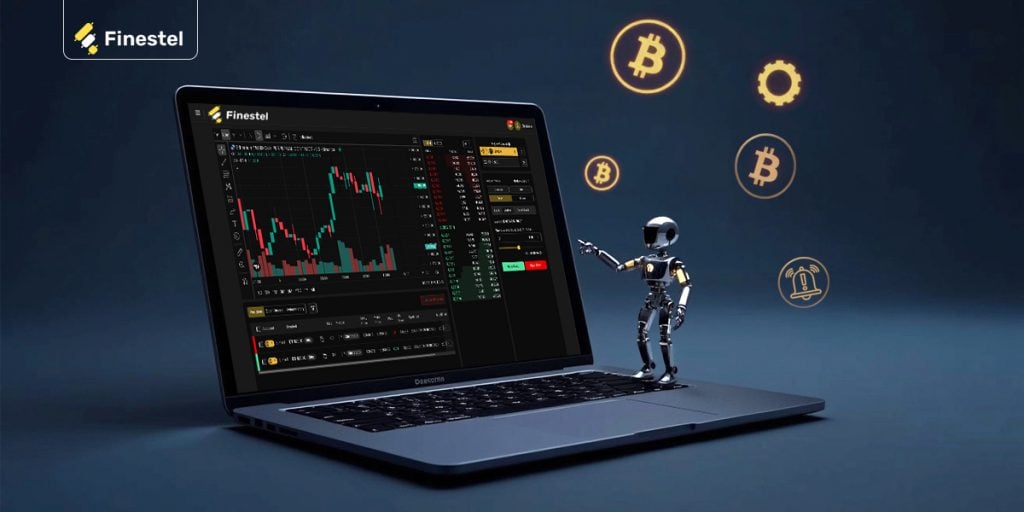
So the overlap is narrow, but it will be getting wider in 2026. Yet, both platforms offer copy trading and white-label solutions. But there are some key differences.
UpTrader Invest runs in MAM/PAMM/Social modes on DXTrade. It’s a white-label layer brokers offer to their clients. Finestel’s copy trading works directly across Binance, Bybit, OKX, KuCoin, Bitget, Gate, and Kraken ( recently added), on both spot and futures markets. You won’t need any infrastructure to use this solution.
Moreover, Finestel’s white-label solution includes a branded client interface, admin panel, billing automation, CRM, MLM referral infrastructure, and portfolio trackers. This is where Finestel can let you run your own copy trading platform.
UpTrader also has no algorithmic trading layer. Finestel adds a TradingView Bot (converts TradingView alerts into live exchange orders automatically), a Signal Bot (works with TradingView, Telegram, webhooks, Python/Java scripts, IFTTT, Zapier, and more), and an advanced trading terminal for managing multiple exchange accounts from one dashboard.
And the interesting part is that while Finestel is crypto-first, with 7 exchanges live, an MT4 integration is on the roadmap for 2026.
Conclusion
After going through this UpTrader review, you should know that it’s a well-rounded brokerage infrastructure platform that does what it promises, which is to consolidate your CRM, and offers additional services like copy trading, prop trading, and price feed. So, it’s a great tool if you’re launching or scaling a forex brokerage and want to avoid stitching together multiple vendors.
That said, the opaque pricing, the younger prop module, and the absence of a public Trustpilot presence are things you should factor in before committing. And, if you’re a crypto trader, asset manager, signal provider, or want to build your own white-label copy trading platform, Finestel is the best alternative, especially with upcoming MetaTrader integrations to consolidate all of your portfolios into one dashboard.


Leave a Reply